Create your Surflux account
Welcome to Surflux! This guide walks you through setting up your account, making your first API call, and exploring real-time blockchain data streams. In just a few minutes, you'll be ready to build production-ready applications on Sui.
1 Sign up for free
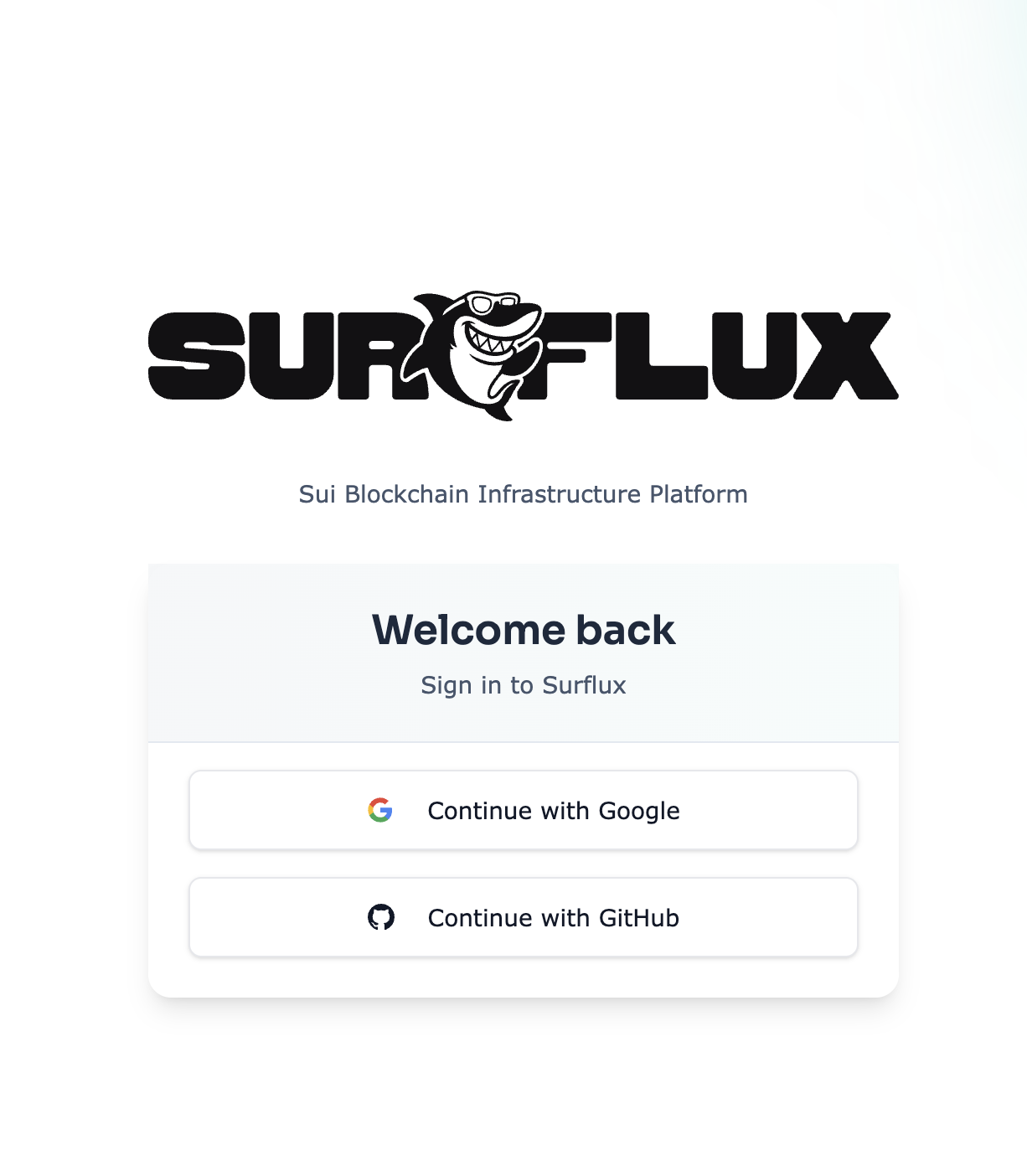
Get started with Google or GitHub authentication. No credit card required. Your Free Tier includes 250,000 credits per month, perfect for development and proof-of-concept projects.
Head to dashboard.surflux.dev and click your preferred sign-in method.
2 Generate your API key
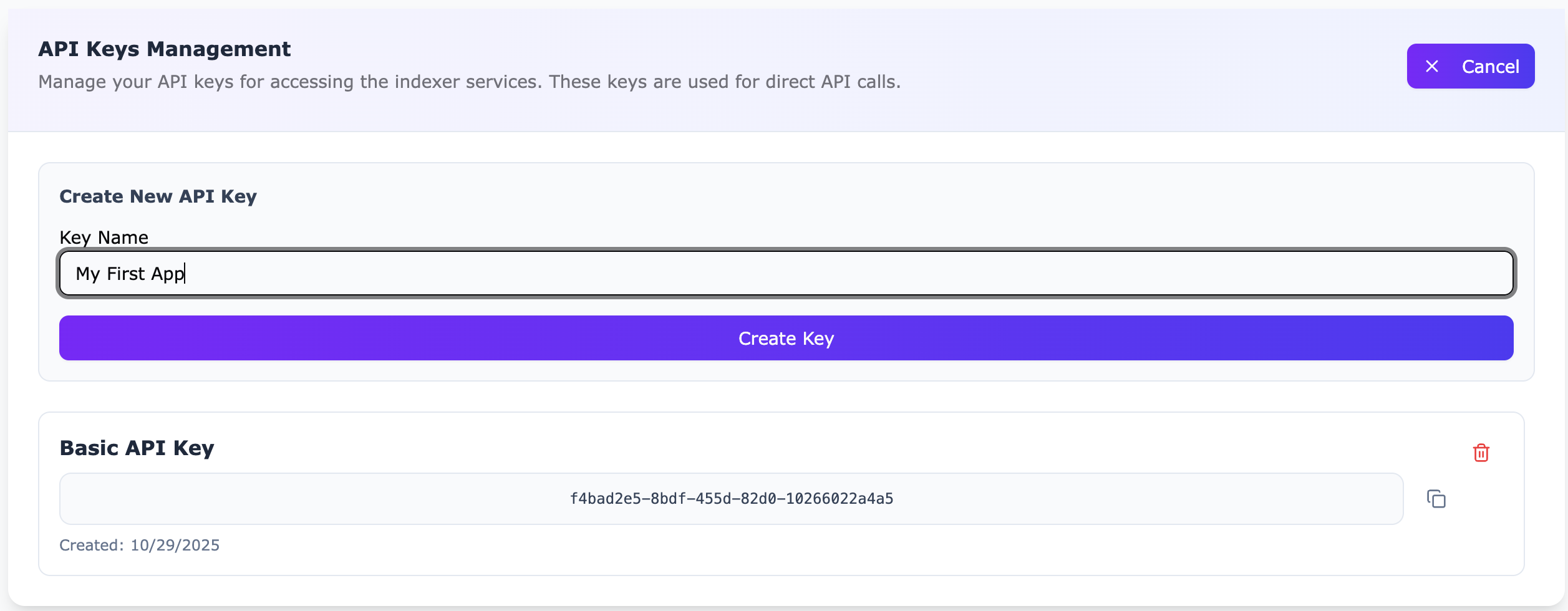
Your first API key is created automatically when you register. To manage multiple environments or applications, create additional keys in the API Keys Management section.
Pro tip: Use separate keys for development, staging, and production to simplify credential rotation and security management.
3 Test your first request
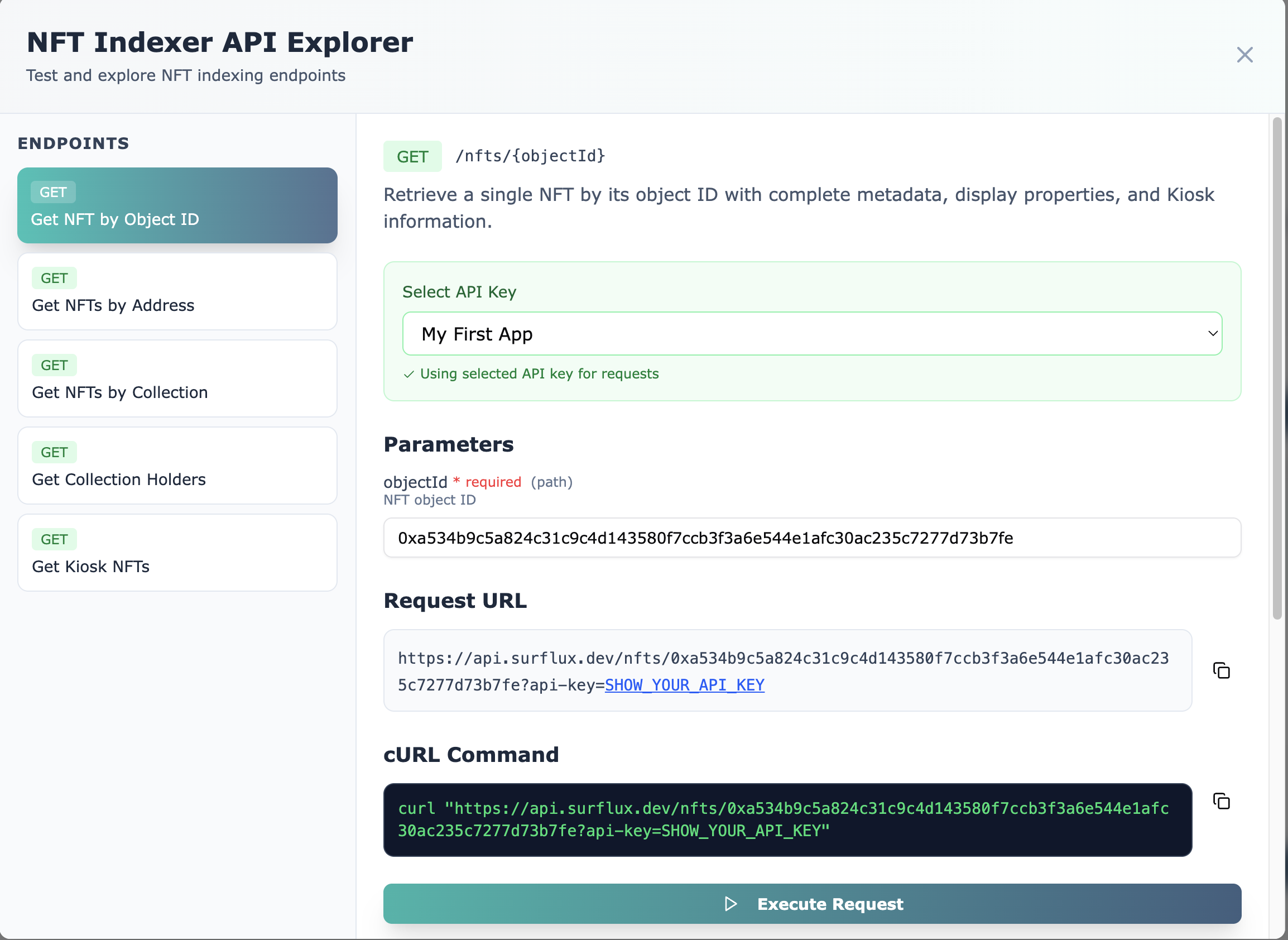
The dashboard includes an interactive API explorer, perfect for testing without writing code. Let's query an NFT by its object ID using the NFT by Object ID endpoint.
The response includes decoded attributes, Kiosk ownership details, the associated KioskOwnerCap, and listing price if available. This data is essential for building wallet interfaces, marketplaces, and analytics dashboards.
4 Set up a Flux Stream
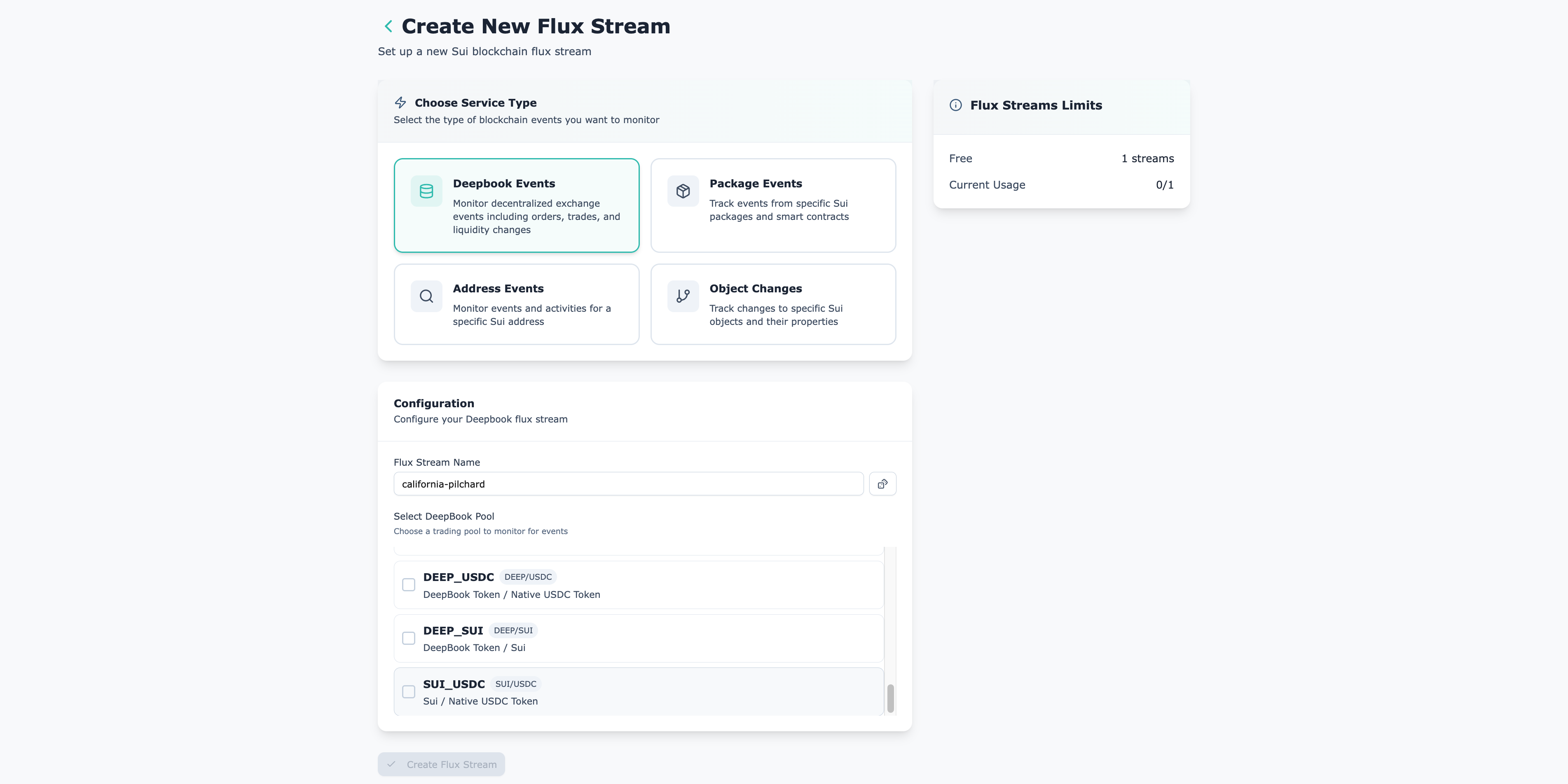
Flux Streams deliver real-time blockchain events directly to your application. We'll create a DeepBook Flux Stream to monitor the SUI/USDC trading pool. No polling, no delays, just instant updates.
Perfect for live trading dashboards, market monitoring, or automated trading strategies.
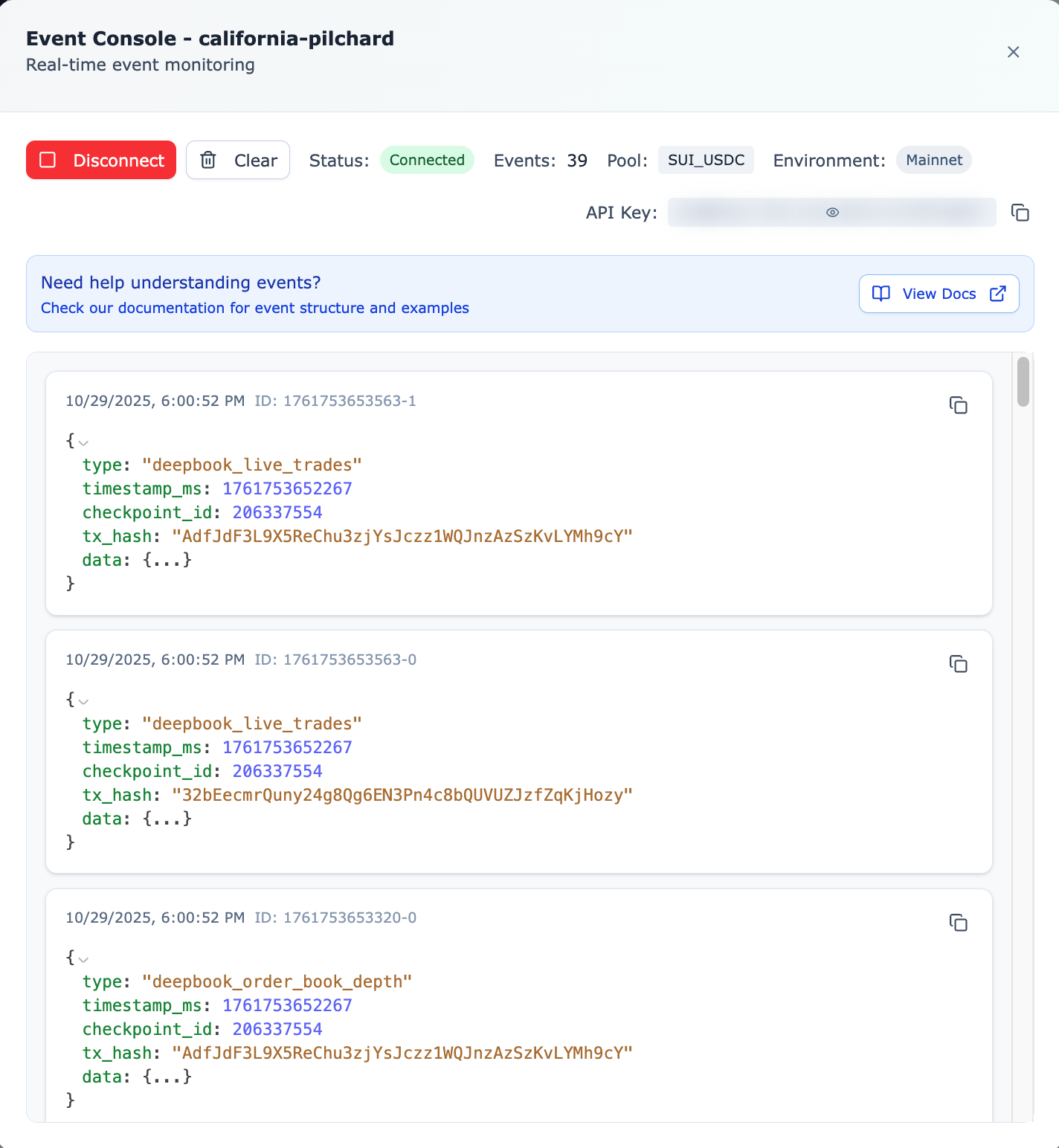
5 Watch events in real time
Once your stream is live, the dashboard shows events as they happen on-chain. Observe trade executions, order book updates, and timing patterns to understand the data flow before integrating into your app.
What's next?
Now that you're set up, dive deeper into Surflux's capabilities:
- Explore API Reference: Browse all available endpoints and their parameters
- Learn about Flux Streams: Understand real-time event streaming architecture
- Build a Trading Dashboard: Complete tutorial for creating a live DeepBook trading interface
- DeepBook Indexing API: Access trading data, order books, and market analytics